A section becomes a part.
The part becomes a cutting list.
Draw a cross-section, pull it to length, and take the whole thing back out: four dimensioned views, a DXF, a PDF — and the list of what to order. It runs in the browser and nothing is installed.
No installation · Works on a desktop, opens on a phone · DXF · PDF
Free, and your drawings stay on your machine.
How it works
Start from a section
Sketch it, pick a standard profile, or import a DXF and let it recognise the shape. Type the dimensions and lock them.
Build the part
Pull it to length, draw the holes and the cuts, mitre and slope the ends, stand parts against each other. The solid is exact.
Get the drawing — and the list
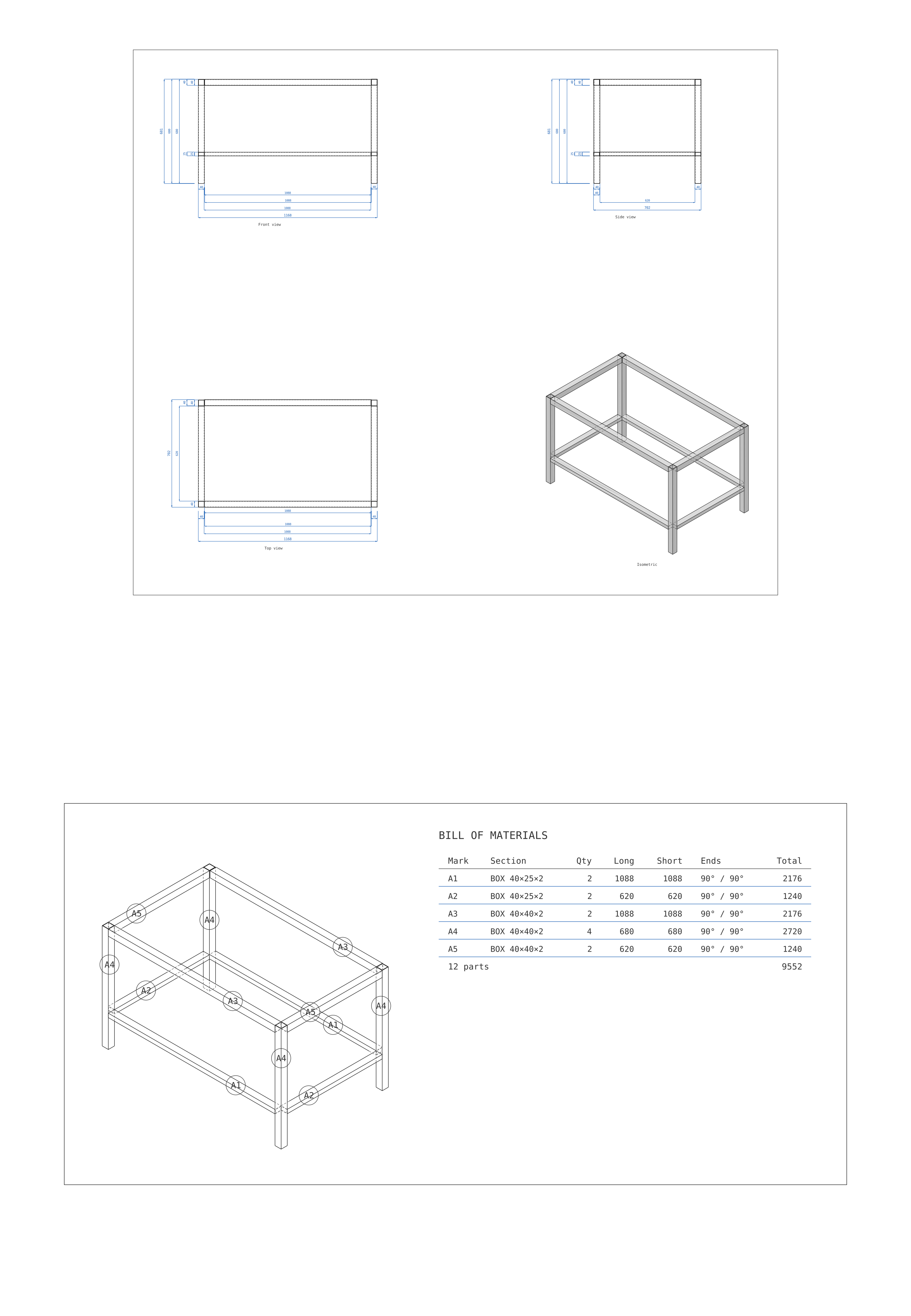
Four views dimensioned from the model, as DXF or PDF. And every part marked, counted and measured, ready to order.
Send it to the workshop as a link
Whoever opens it gets the model and the cutting list on their phone — nothing installed and no account. Tap a part and it tells you what it is: its mark, its section, both lengths, and how many there are.
Built for
Steel fabrication
Frames, posts, rails and braces — mitred, notched and counted.
Aluminium systems
Profiles imported from a DXF, cut to length, and listed by section.
Shop drawings
Dimensioned views out as DXF, with real DIMENSION entities.
The workshop and the site
A link that opens the model and the list on a phone.
From the drawing to the saw.
What it is not
Not a replacement for Inventor or Revit. It does one thing: parts made from a section, and the drawing and the list that come out of them. If you need assemblies, simulation, or a library of standard parts, this is not that.
The editor wants a desktop screen, a mouse and a keyboard. The link you send works on anything. Your work is saved in this browser — use Save / Open to keep a copy as a file, and that copy is what moves between machines.
What's new
- A bill of materials. Every part marked, counted and measured — on the sheet, in the DXF, and in a link you can send.
- Send it as a link. Whoever opens it gets the model and the list on their phone. Tap a part and it says what it is.
- Slopes, mitres and mirrored holes, drawn on the part rather than typed into a box.
Built by a structural engineer who draws the same section twice a week.